


Key Programming Solutions for Mercedes Heavy Vehicles
Most modern time vehicles are equipped with an immobilizer system. The vehicle can be started only if the ECU gets the right code from a transponder that is inserted in your ignition key.
This system is quite simple and there is not much to mention here. What we do want to talk about is key programming and IMMO solutions:
- What to do if all keys are lost?
- Keys were stolen or broken?
- Or do you simply need to have another key?
In this article, we are going to discuss a couple of options for how you could solve those issues if you have a Mercedes-Benz heavy vehicle with a transponder key system (Euro 2 – Euro 6).
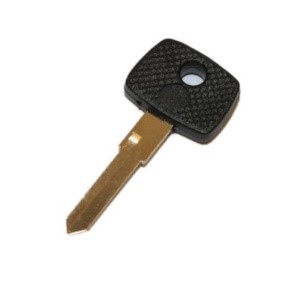
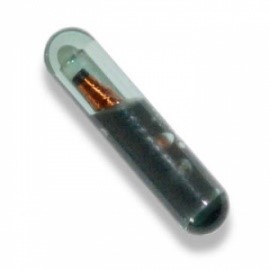
- You can program a new transponder key to the truck ECU.
- Turn off the immobilizer system in your truck and ECU to start the vehicle with any blank key, that fits into your ignition switch.
Option #1
This could be done through the diagnostic port (OBD) or directly on the bench if MR (PLD) is out of the truck.
In MCM ECU key programming works only by OBD.
To program a new key through the OBD port, you will need to have:
- VEI V6/V7 device;
- MB14 pin OBD adapter (for older Mercedes-Benz models)
- Active MB KEYS license
- Active MB MR license (to access locked MR firmware versions)
- Active SFTP KEYS license (for MP4 truck with transponder key system)
- New transponder key that you want to add to your truck.
The procedure will take 2 minutes in total:
- Connect the VEI device to your vehicle via an OBD connection;
- Insert the key that you want to program into your ignition switch;
- Open Truck Explorer® software.
- In a KEYS tab press Add New key
Here is a full step-by-step video tutorial: on how to add new transponder keys through OBD using Truck Explorer.
To add new keys directly on the bench in addition you will need:
- Direct Connect 2U tool with OBD2 power cable
- DC2-PLD cable
- DC2-Transreader13
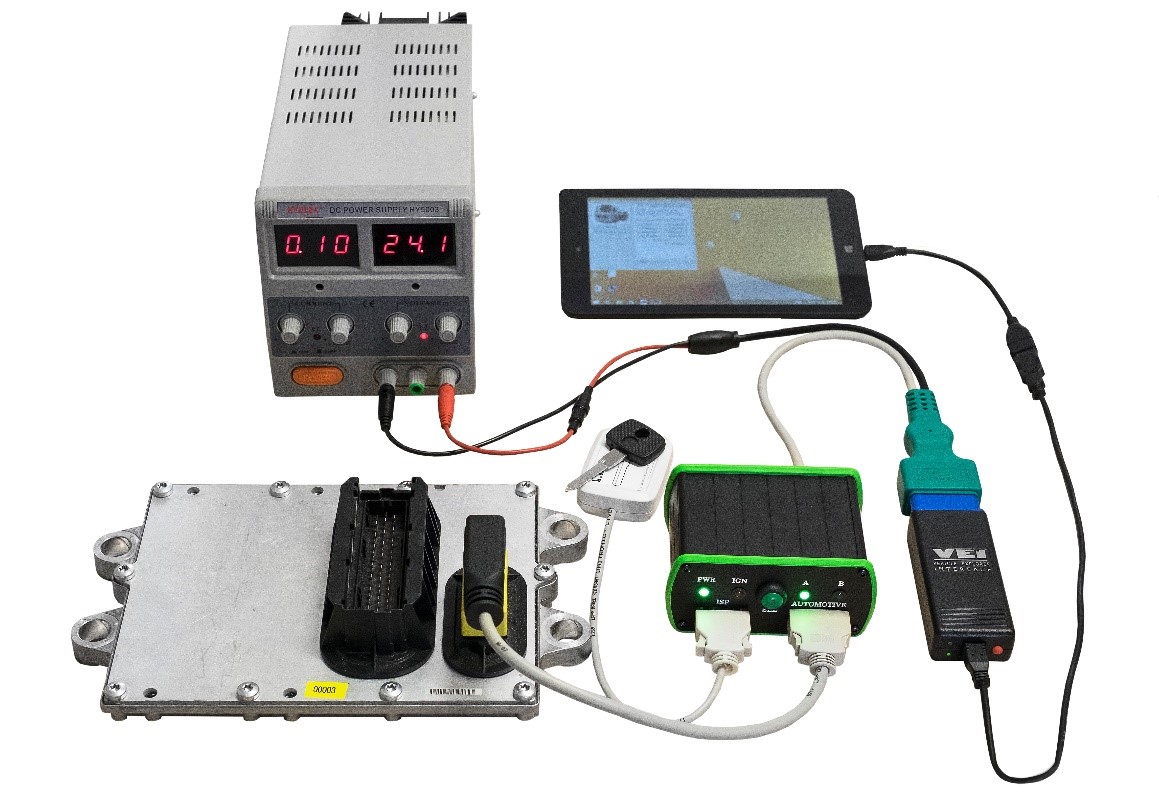
The procedure will take 2 minutes in total:
- Connect the VEI device and your DC2 tool to the ECU
- Put the key that you want to program onto the TransReader
- Add the new key using Truck Explorer® software
Here is a full step-by-step video tutorial: on how to add new transponder keys on the bench using Truck Explorer.
Option #2
If you don’t have a transponder in your blank key, you need to start the truck and go, you can turn off the immobilizer system in your truck and start the truck with any blank key, that fits into your ignition switch.
This procedure can be also done through OBD or directly on the bench.
NOTE: To turn off the immobilizer system in your truck, you have to do an “IMMO OFF” operation in both ECUs – MR (PLD) and FR/CPC.
Needed equipment:
- VEI V6/V7 device
- MB14 pin OBD adapter (for older Mercedes-Benz models)
- Active MB Keys license
- Active MB MR license (for locked MR2 firmware versions)
To do it on the bench in addition you will need:
- Direct Connect 2U tool with OBD2 power cable
- DC2-PLD cable
- DC2-FR+CPC+CPC4 cable
The procedure will take 3 minutes in total:
- Connect the VEI device (and your DC2 tool) to MR
- Disable immobilizer using Truck Explorer® software
- Connect to FR/CPC
- Disable immobilizer using Truck Explorer® software.
Here is a step-by-step video tutorial for IMMO-off operation through OBD. Do not forget to turn off IMMO in your FR/CPC as well!
Here is a step-by-step video tutorial for MR IMMO-off operation directly on the bench. Repeat this same procedure with your FR/CPC also!
For any additional questions and a free consultation please write to our website live chat or contact us here.
How to program optical keys to Mercedes-Benz SFTP MP4 Euro 6 blog post is here.