


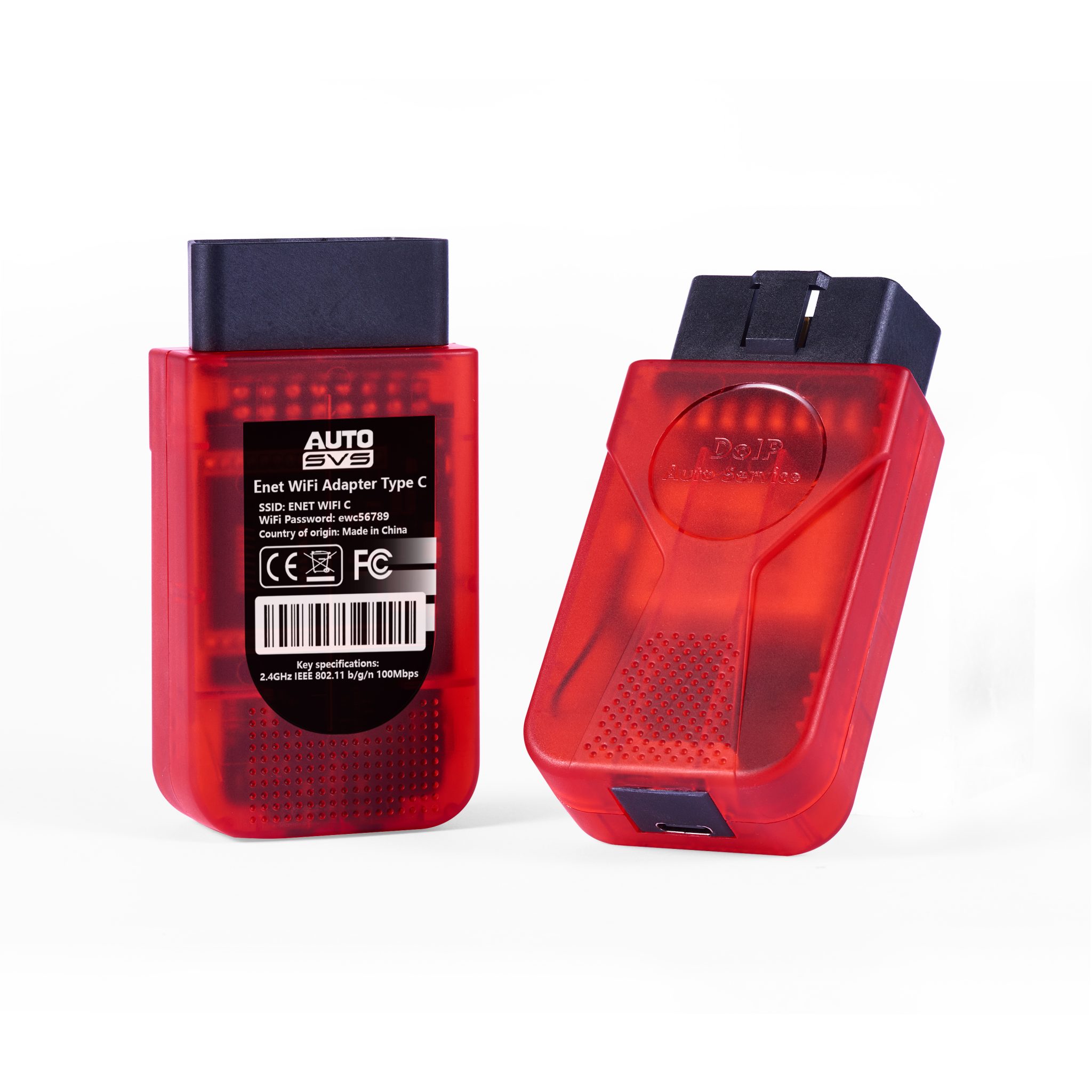
Autosvs Enet WiFi Adapter Type C Automotive DoIP 2026
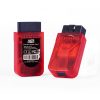
The Enet WiFi Adapter Type C is the latest 2026 high-performance hardware device designed for improved power consumption and enhanced protection against over-temperature conditions. It features an embedded UART-ETH-WIFI module and DC/DC converter, as well as an additional CPU heat sink for protection. The device is compatible with 2.4GHz 802.11b/g/n and supports multiple security authentication mechanisms and network protocols, including WEP64/WEP128/ TKIP/ AES WEP/WPA-PSK/WPA2-PSK, PPPOE/TCP/UDP/DNS/DHCP/DNS/HTTP/Firewire, and more.
Key Features
- The Autosvs ENET Wi-Fi adapter complies with E-SYS, ISTA/D, ISTA/P, and INPA standards and was specifically designed and developed for BMW F and G series vehicles.
- Compatible with all BMW F and G series models. (Not compatible with E series models.) Supports many BMW tuning apps such as BimmerCode, BimmerLink, MHD Flasher, MG Flasher, xHP Flashtool, and xDelete.
- Simply pair your device with the Wi-Fi access point created by the adapter, and you can instantly perform ECU tuning, coding, diagnostics, and reset fault codes (DTCs).
- High-speed Wi-Fi communication (2.4GHz IEEE 802.11 b/g/n 150Mbps) enables extremely fast communication speeds, allowing for quick completion of read and write operations.
*Please note*
Additional fees apply to use each BMW application.
Compatible Applications
- BimmerCode … coding
- BimmerLink … for diagnostics, resets, battery registration, etc.
- MHD Flasher … Engine ECU Tuning
- MG Flasher … Engine ECU tuning
- xHP Flashtool … Transmission Tuning
- xDelete … xDrive tuning (full RWD mode, etc.)
- BimmerGeeks ProTool … An all-in-one solution for BMWs
Compatible work for the BMW Model
- Series 1 F20 F21
- Series 2 F22 F23
- Series 3 F30 F31 F34
- Series 4 F32 F33
- Series 5 F10 F11
- 6 series F06 F12 F13
- Series 7 F03 F04
- X1 F48
- X3 F25
- X4 F26
- X5 F15
- X6 F16
It also works with the entire G and I series.
Connection Settings
- Insert the adapter into the OBD2 port located in the footwell on the driver's side of the car.
- Enable airplane mode on your device.
- Turn off Bluetooth on your device.
- Turn on the Wi-Fi on your device.
- (iOS devices only) Disable CarPlay in your iOS settings (Settings > General > CarPlay > Select My Car > Disable CarPlay).
- Open your Wi-Fi settings and connect to the adapter's network.
- Move the device and adapter as close together as possible.
- Open the BMW app and make sure the correct adapter type is selected in the settings.
- Tap “Connect” on the BMW app's start screen.
The ENET Wifi Adapter Hardware Features
- Embedded UART-ETH-WIFI module
- DC/DC converter for improved power consumption
- With an additional CPU heat sink for over-temperature protection
- 2.4GHz 802.11b/g/n, compatible, default password 12345678
- Support IEEE 802.3、IEEE 802.3u
- WiFi Client/AP/Router Mode
- Support WPS/wds
- The range of baud rate: 1200~500000bps
- Support transparent transmission mode
- Support multiple security authentication mechanisms: WEP64/WEP128/ TKIP/ AES WEP/WPA-PSK/WPA2-PSK • Support wireless roaming
- Support multiple network protocols: PPPOE/TCP/UDP/DNS/DHCP/DNS/HTTP/FireWire
- Support AT+ instruction set





Reviews
There are no reviews yet.