



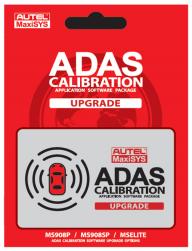

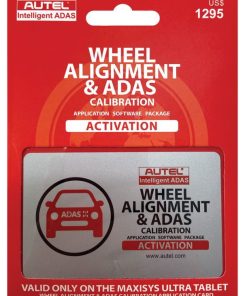
ADAS Application Upgrade for Autel Software
We will email the activation code for global market customers. Add ADAS software to any Autel MaxiSYS tablet listed below:
- Ultra
- MS919
- MS909
- Elite (units with 64GB and with external SD Card)
- MS908p or MS908sp (units with 64GB and with external SD Card)
- MS908 or MS908s (not recommended)
To activate the ADAS software, the MaxiSYS tablet must have a current update subscription.
After your purchase, AESwave will email an activation code.
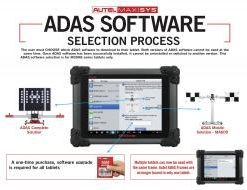
When activating the ADAS software on a tablet you will need to select which ADAS frame to use it with: “Portable” or “Complete”. After the selection is made you cannot change it nor transfer it to another tablet, or receive a refund.
A MaxiSys tablet with ADAS can perform dynamic calibrations that do not require any ADAS hardware! Hardware for static calibrations.
Click here to search the latest ADAS coverage details.
NOTE: Adding the ADAS software to your tablet is a one-time fee. After activating the ADAS Application your tablet will begin to receive updates for ADAS as long as your regular update subscription is current.



Reviews
There are no reviews yet.